
Wi-Fi names are the first thing guests see when they open their phone at your place. Your neighbors see it too. A good one gets a smile, and a bad one makes people guess which network is yours.
This guide gives you 100+ WiFi names sorted by style: funny, punny, pop culture, cute, geeky, short and business-ready. You will also find the basic rules, what to keep out of a network name, and how to change it.
A good Wi-Fi name is short, easy to type, and easy to tell apart from the neighbors’ networks. It should not include your address, full name or router model. Funny, personal and themed names all work well as long as they fit within the 32-character limit and avoid special symbols.
What Is a Wi-Fi Name?
Wi-Fi names are the label your router broadcasts so devices can find your network. The technical term is SSID, short for Service Set Identifier. It is not your password. The name is what people see, and the password is what lets them in.
Every router ships with a default name, usually the brand plus a string of letters or numbers. Changing it takes a couple of minutes.
The name can be up to 32 characters. Technically the limit is 32 bytes, so emoji and accented letters can use up more room than plain letters. Names are also case-sensitive, so “SofaSignal” and “sofasignal” count as different networks.
What Makes Good Wi-Fi Names?
Funny is fine, but a good name also has to work in daily life. A name that looks great on a list can be a pain to type on a smart TV.
- Easy to type: guests will often type it by hand, so skip long strings and odd symbols
- Easy to spot: it should stand out from the ten other networks in range
- Easy to say out loud: “Sofa Signal” is simple to read to a friend, while “xX_7q!!_Xx” is not
- Right for the audience: think about kids, in-laws, landlords and coworkers who will see it
- Safe for all devices: letters, numbers, spaces and hyphens are the most reliable choice
Some older devices show emoji and special characters badly, or fail to connect. Plain text avoids that.
What to Keep Out of a Wi-Fi Name
Anything in your network name is visible to everyone in range. Treat it like a sign on your front door.
Keep these out:
- Your full name, street address, flat number or phone number
- Your router brand or model, because default names often reveal it
- Jokes about hacking or real crimes, which can worry people or get reported
- Insults aimed at a specific neighbour
Renaming your network does not make it more secure by itself. The password and encryption do that, so use WPA2 or WPA3 with a strong passphrase.
Hiding the name is not real security either. It mostly makes the network harder for you and your guests to find.
Funny Wi-Fi Names
The classic route. The best funny Wi-Fi names land in about three seconds, so keep them short and skip any joke that needs explaining.
- Pretty Fly for a WiFi
- Bill Wi the Science Fi
- The LAN Before Time
- Silence of the LANs
- Abraham Linksys
- It Hurts When IP
- Router? I Hardly Know Her
- Drop It Like It’s Hotspot
- Loading…
- Not the WiFi You Are Looking For
- Wi Believe I Can Fi
- Free WiFi (Just Kidding)
- The Promised LAN
- Two Routers in a Trench Coat
- Mom Use This One
- Tell My WiFi Love Her
Try reading the name as a stranger would. If you have to explain it, pick another.
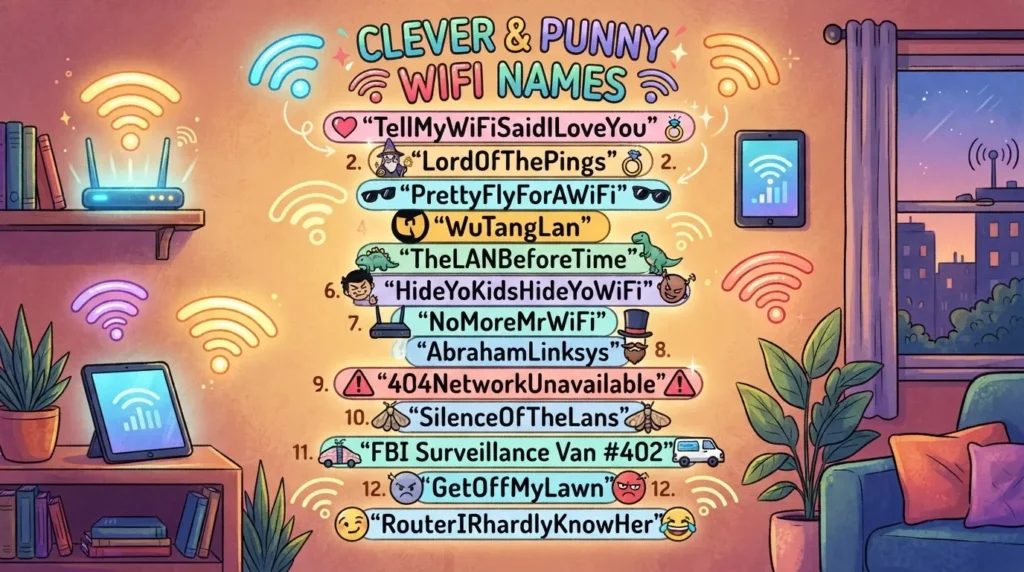
Punny and Tech Wi-Fi Names
Tech puns are popular because they are easy to build. Take a phrase or song title people know and swap one word for a network term.
- Ping Me Baby One More Time
- 404 Network Not Found
- Byte Me
- Cache Me Outside
- Lord of the Pings
- IP Freely
- WiFi-nado
- Routerlicious
- Packet Pirates
- Bandwidth Buffet
- Latency Lounge
- Data Diner
- Mbps and Pieces
- Ctrl Alt Delight
- Signal Not Found
Pop Culture Wi-Fi Names
These work best when the reference is easy to recognise. Fictional places are a safe bet, because guests get the joke right away.
- Winterfell
- The Shire
- Skynet Global Defense Network
- The Batcave
- LAN Solo
- The WiFi Awakens
- Hakuna Ma-Data
- Mos Eisley Cantina
- Pallet Town
- Bikini Bottom
- The Upside Down
- Central Perk
If the network is for a business, check whether a film or brand name could cause trouble. For a home network it is rarely an issue.
Passive-Aggressive Names for Neighbors
Some people use their network name to send a message. It is harmless fun when kept light, and it stops being fun when it turns into a real feud.
- Get Your Own Internet
- Nice Try, Neighbor
- FBI Surveillance Van
- Virus Distribution Center
- Free WiFi (Not Really)
- Try Guessing the Password
- No WiFi for You
- I Can See You Connecting
- Pay for Your Own Router
- Nothing to See Here
Stay away from names that name a person or threaten anyone. Your network name can be read by every device around you, so keep the joke general.
Cute and Family Wi-Fi Names
Family networks work best with warm, simple names. Kids and grandparents can read them, and nothing in them needs explaining.
- Home Sweet Home Network
- Sofa Signal
- Cozy Corner
- The Pillow Fort
- Snack Time Signal
- Happy Nest
- The Cat Is Watching
- Pizza Night Network
- Purrfect Connection
- Dog Park Signal
Gamer and Geeky Wi-Fi Names
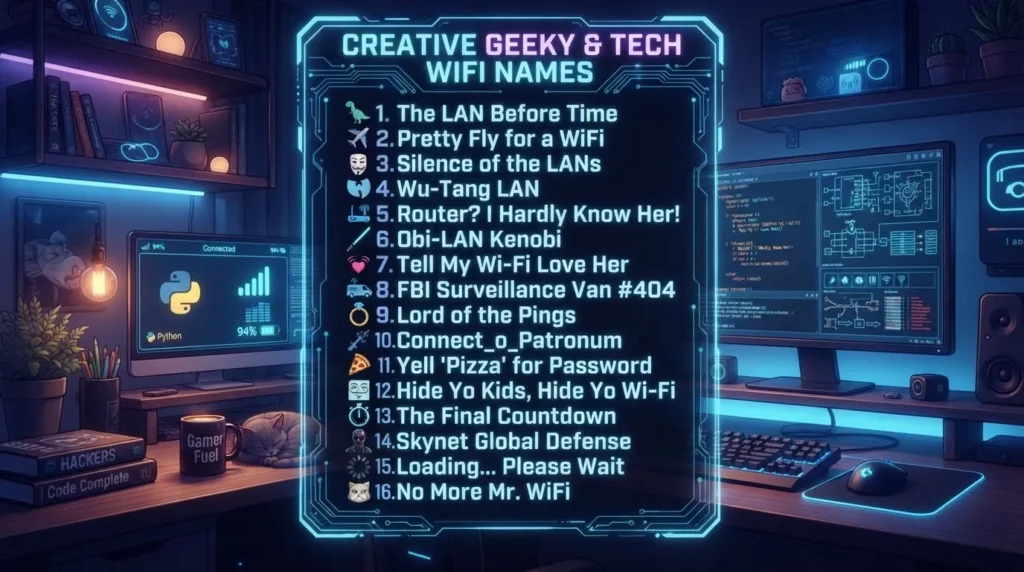
Gaming and tech fans usually want a name that feels like part of the setup. Game menu language works well here.
- Press Start to Connect
- Player One Ready
- Respawn Point
- Ctrl Alt Defeat
- Lag Is Not My Fault
- Boss Fight Zone
- The Loot Cave
- Save Point
- Quest Accepted
- Low Ping Legends
Cool and Short Wi-Fi Names
Not everyone wants a joke. Single-word names look clean on a small phone screen and suit people who prefer something calm.
- Nimbus
- Orbit
- Echo
- Vertex
- Northstar
- Halo
- Pulse
- Zenith
- Drift
- Skyline
- Ember
- Atlas
A short name also has less chance of being cut off in a crowded list.
Wi-Fi Names for Cafés, Offices and Guest Networks
For a business, clear beats clever. Customers want to know which network to pick without asking staff. A common pattern is the business name plus a plain label like Guest or Staff.
Keep staff and guest networks separate and label them clearly. That way nobody joins the wrong one by mistake.
- Bean Scene Guest
- Brew and Browse
- The Reading Room Guest
- Studio Five Staff
- Front Desk Guest
- Lobby Connect
- Conference Room A
- Patio Connect
- Waiting Room Guest
- Warehouse Ops
Guest Network Names for Home
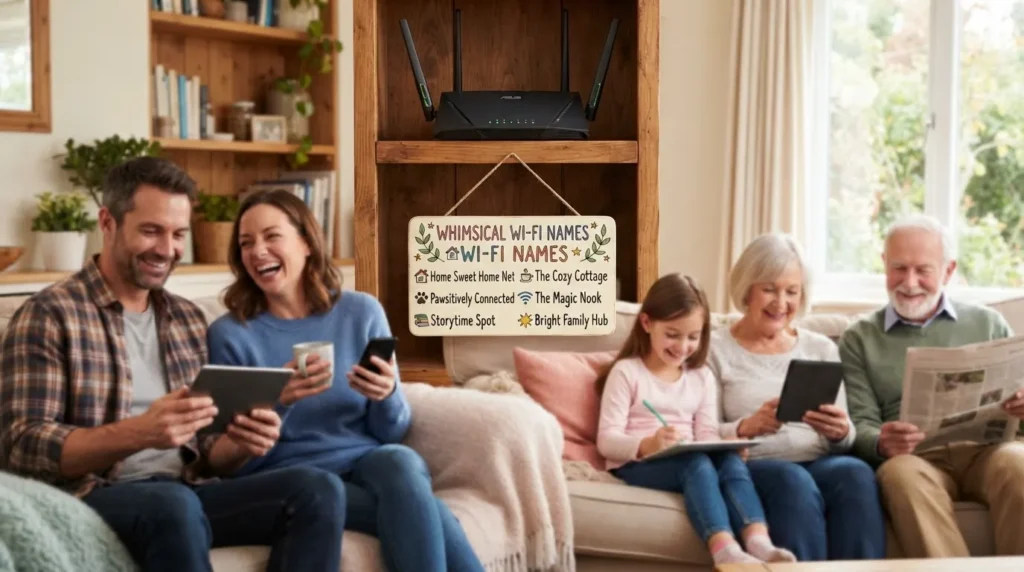
Many routers can run a second, separate network for visitors. This keeps guests off the network your own devices use. A clear name tells people which one to pick.
- Guest Room
- Visitors Welcome
- Come On In
- Guest Lounge
- Welcome Guest
- Front Porch Guest
Names for 2.4 GHz and 5 GHz Networks
Many routers send out two bands. The 2.4 GHz band usually reaches farther, and the 5 GHz band is usually faster at shorter range.
You can give both bands the same name and let devices choose. Or you can give them different names so you decide which one to join. Both work.
| Style | 2.4 GHz name | 5 GHz name |
| Simple suffix | Cozy Corner_2G | Cozy Corner_5G |
| Animals | Tortoise | Hare |
| Range hint | Home Base Far | Home Base Near |
| Tech joke | Byte Me Basic | Byte Me Turbo |
How to Change Your Wi-Fi Name
The exact menu names change from brand to brand. The steps are almost the same everywhere.
- Connect to your router by cable or WiFi
- Open the router’s admin page or its app, using the address and login on the router label or in the manual
- Find the Wireless or WiFi settings
- Edit the network name field and save
- Reconnect each device using the new name
Your devices will drop off the network when the name changes. Do it at a quiet time, not during a video call.
How to Pick One in Five Minutes
Start with who will see the name. A home network can be silly. A shop network should be clear.
Then build from a simple formula:
- Pun on a film or song title: swap one word for a network term, like Silence of the LANs
- Place plus tech word: Sofa Signal, Patio Connect
- One confident word: Zenith, Atlas
- Inside joke your household shares: check that it is clean first
Before you commit, type the name on your phone and say it aloud. Check that it does not clash with a nearby network. Live with it for a week, and change it if it gets old.
Final Thoughts
Good WiFi names are short, clean and easy to type. Beyond that, the choice is yours: funny, cute, geeky or plain. Pick a style that fits your household or business.
Keep personal details out of the name. Use a strong password, because the name is only the label. And if a name still makes you smile a week later, it is a good one.
FAQs
What are good Wi-Fi names?
Good WiFi names are short, easy to type and easy to spot in a list. Funny ones like “Silence of the LANs” and calm ones like “Zenith” both work.
How long can a Wi-Fi name be?
Up to 32 characters, or more exactly 32 bytes. Emoji and accented letters can use up more space than plain letters.
Can I use emoji or symbols in a Wi-Fi name?
Some routers allow it, but some devices may show them wrongly or fail to connect. Letters, numbers, spaces and hyphens are safest.
Does changing my Wi-Fi name make it more secure?
Not by itself. Security comes from a strong password and WPA2 or WPA3 encryption. A new name only removes clues like your router brand.
Should I hide my Wi-Fi name?
Hiding it is not real security. It mostly makes the network harder for you and your guests to find, so a strong password is the better step.
Should 2.4 GHz and 5 GHz have the same name?
Either works. One name lets devices choose the band, and two names let you pick it yourself.
Is it okay to use funny Wi-Fi names?
Yes, as long as the name is not offensive or targeted at a person. Remember that guests, neighbours and coworkers can all read it.